⚡
Quick to set up
Import the .drx file into the Color page gallery, configure your project in DaVinci Wide Gamut / Intermediate and then your Rec.709 Gamma 2.4 output, and you are ready to work.
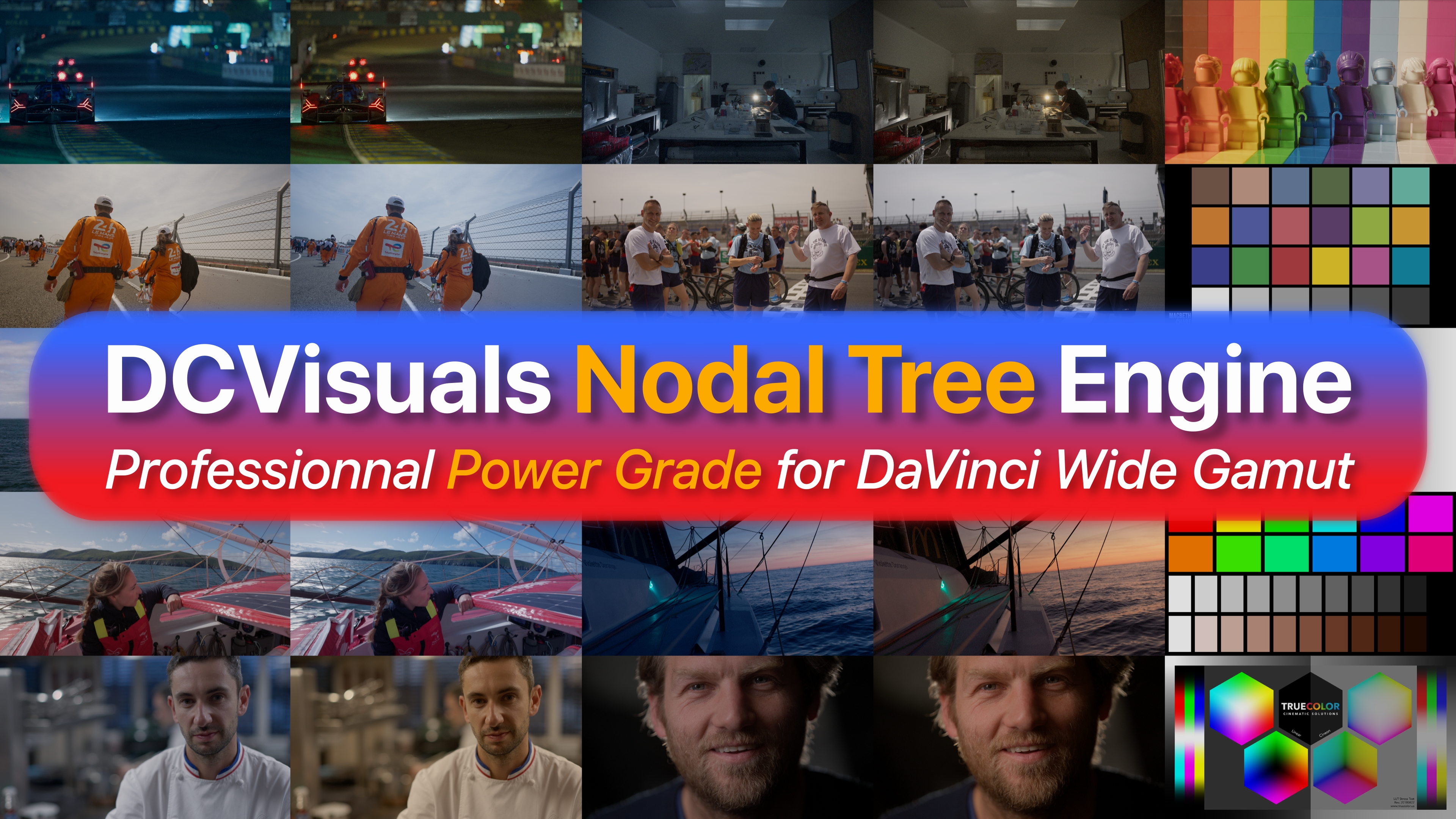
A DRX PowerGrade designed to make your node trees more readable, more consistent and more reproducible in DaVinci Resolve. It structures your workflow, clarifies the grading stages and plans for the integration of DCVisuals Look Engine as well as several useful third-party DCTLs.
Immediate download via Gumroad. DRX file intended to structure a clean and reproducible Resolve workflow.
Many Resolve users know how to “do things”, but still work with disordered node trees that are difficult to reread, hand over or reproduce. Nodal Tree Engine brings a clear structure: technical, primary, secondary, creative, output.
Import the .drx file into the Color page gallery, configure your project in DaVinci Wide Gamut / Intermediate and then your Rec.709 Gamma 2.4 output, and you are ready to work.
The stages follow a clear working progression: camera conform, primary balance, secondary corrections, creative look and output transform.
Nodal Tree Engine is designed to integrate Look Engine and several well-known third-party DCTLs from the Resolve ecosystem, without mixing the roles of each grading block.
The overall architecture, the logical blocks, the Look Engine integration and the workflow progression are immediately visible.
Each group has a specific role. The order is defined. Creative blocks do not get mixed with technical blocks.
Third-party DCTL files are not included and must be downloaded directly from their respective authors. DCVisuals does not redistribute these tools.
Scene-referred creative finishing DCTL. Operates in DWG / Intermediate. Node 11 in the Creative Look group.
→ Discover Look EngineVisual analysis tool for skin tones. Used in the Secondary group.
→ pixeltoolspost.comOutput transforms for nodes 02, 05 and 06 in the CST Out group.
→ github.com/jedypodTwo complementary Display Transforms for nodes 03 and 04 in the CST Out Rec.709 group.
→ github.com/JuanPabloZambranoThe PowerGrade is imported from the DaVinci Resolve gallery. If a DCTL appears missing, the table below shows which tool to place in which node.
| Group | Node path | Required DCTL |
|---|---|---|
| Creative Look | Node 11 | DCVisuals_LookEngine |
| Secondary | Node 21 → T-ITW-Skin-Advanced → Node 05 | Checker DCTL Plug-In |
| CST Out Rec.709 | Node 02 | OpenDRT |
| CST Out Rec.709 | Node 03 | JP2499 |
| CST Out Rec.709 | Node 04 | JP-DRT |
| CST Out Rec.709 | Node 05 | JzDT |
| CST Out Rec.709 | Node 06 | Tesseract |
No. Nodal Tree Engine is a .DRX PowerGrade. It can integrate multiple DCTLs into its architecture but is not itself a DCTL.
No. OpenDRT, JP-DRT, JzDT, Tesseract and Checker DCTL Plug-In must be downloaded directly from their authors.
This PowerGrade is designed for DaVinci Resolve Studio. The free version may have limitations, especially for nodes using DCTLs.
Yes. If Look Engine is not installed, node 11 can be left empty or replaced by another creative tool.
Yes. The PowerGrade is a working base. You can adapt it to your own workflow while keeping the original as a reference.
Designed and tested on DaVinci Resolve Studio 20. Compatible with Resolve 21, subject to possible changes in third-party DCTLs.